
Services, staff & rooms
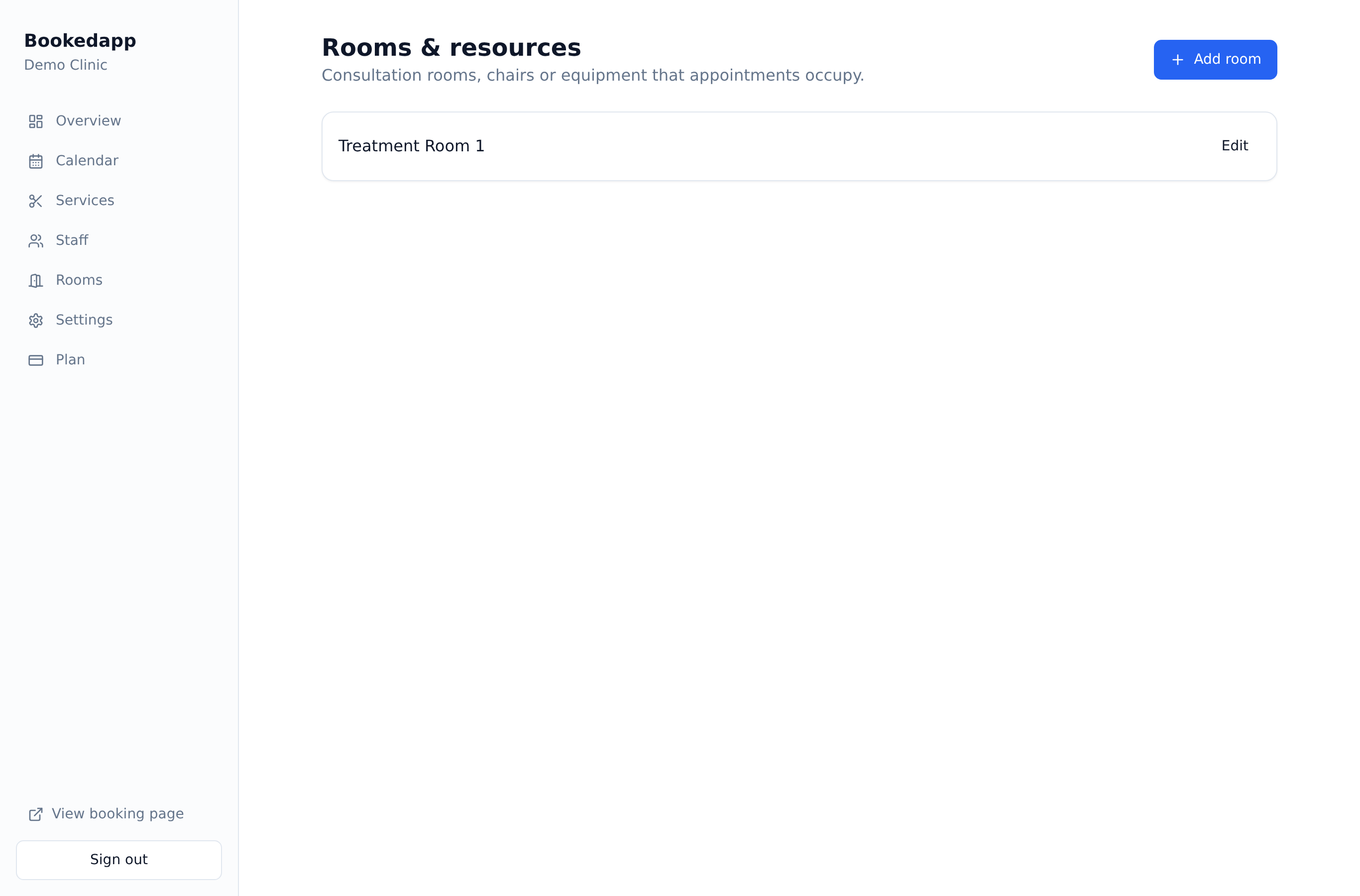
Add treatment rooms or resources
Stop double-booking the same room, chair or piece of equipment.
- 1
Go to Rooms and add each bookable space or resource.
- 2
Bookedapp only offers a time when both a staff member and a room are free.
- 3
Rooms are assigned to bookings automatically and shown on your calendar.
More in Services, staff & rooms
Ready to get started?
Set up your booking page in minutes — start your 14-day free trial.
30-min walkthrough No commitment Google Meet
NAM
Bookedapp product teamHere to help you get set up
- Set up your booking page with your services
- Switch on AI no-show prediction & reminders
- Answer your questions — no pressure