
Services, staff & rooms
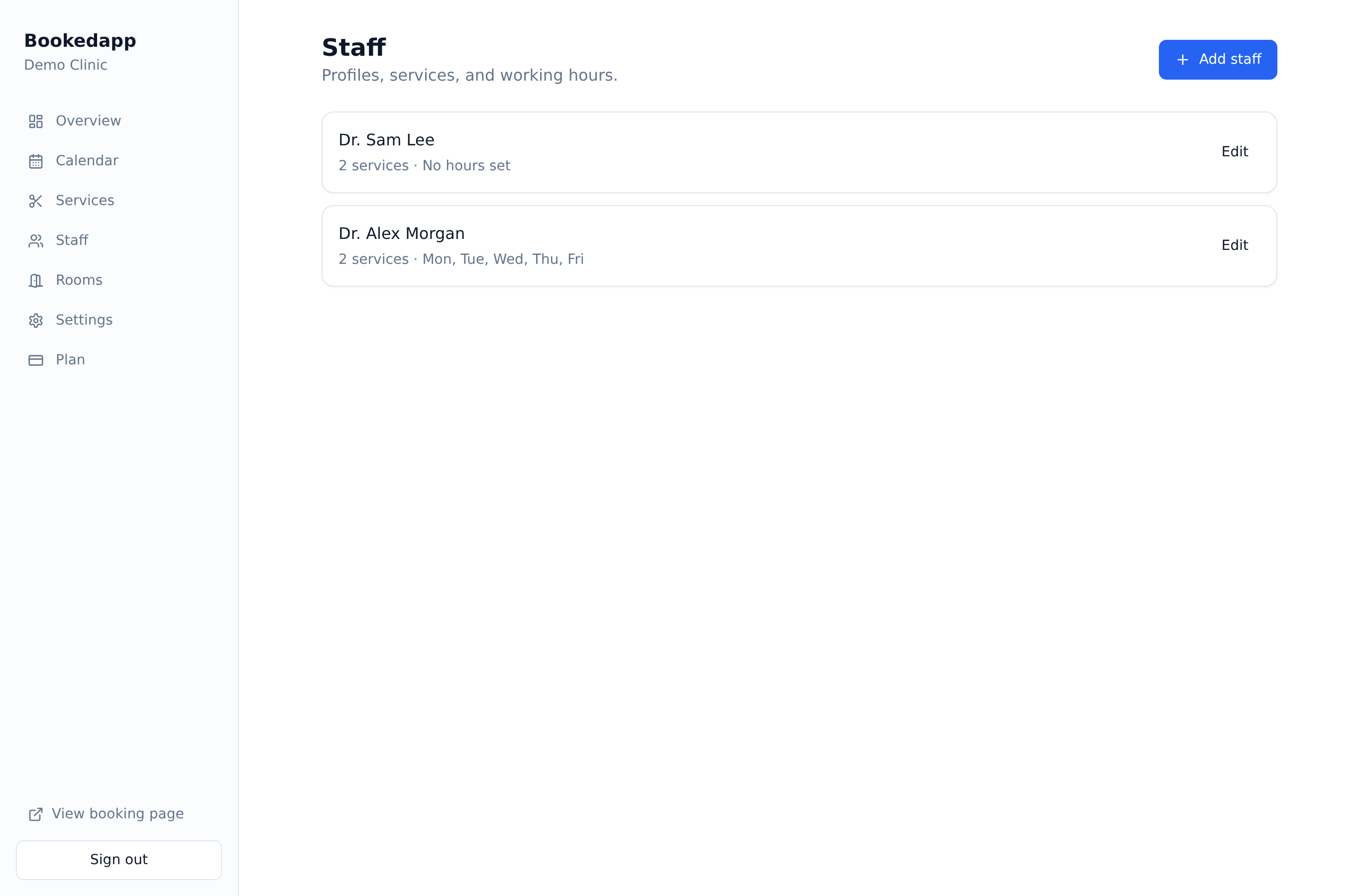
Add a staff member and set their hours
Add your team, assign their services and set their working week.
- 1
Go to Staff and add a team member with their name and optional photo.
- 2
Assign the services they offer so customers only see the right people.
- 3
Set their weekly working hours and days off.
- 4
Save — their availability is now used automatically on your booking page.
More in Services, staff & rooms
Ready to get started?
Set up your booking page in minutes — start your 14-day free trial.
30-min walkthrough No commitment Google Meet
NAM
Bookedapp product teamHere to help you get set up
- Set up your booking page with your services
- Switch on AI no-show prediction & reminders
- Answer your questions — no pressure