
Services, staff & rooms
Add a service
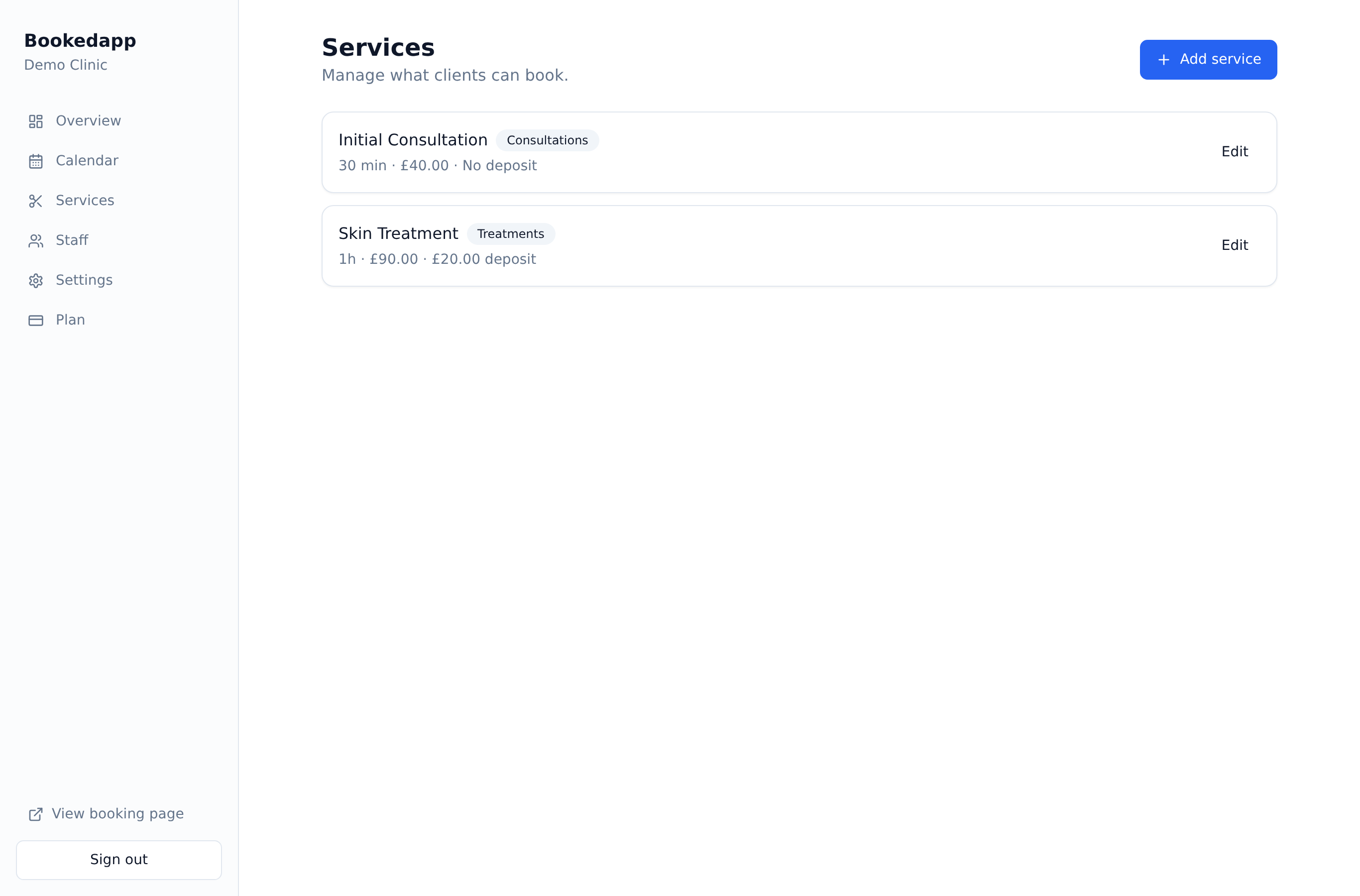
Create the treatments customers can book, with duration, price and deposit rules.
- 1
Go to Services and click to add a new service.
- 2
Set the name, description, duration, price and any buffer time.
- 3
Optionally give the service its own hours if it differs from your opening times.
- 4
Choose whether it needs a deposit and how much, then save.
More in Services, staff & rooms
Ready to get started?
Set up your booking page in minutes — start your 14-day free trial.
30-min walkthrough No commitment Google Meet
NAM
Bookedapp product teamHere to help you get set up
- Set up your booking page with your services
- Switch on AI no-show prediction & reminders
- Answer your questions — no pressure