
Calendar & appointments
Block out holidays and days off
Stop customers booking on days or times you're not available.
- 1
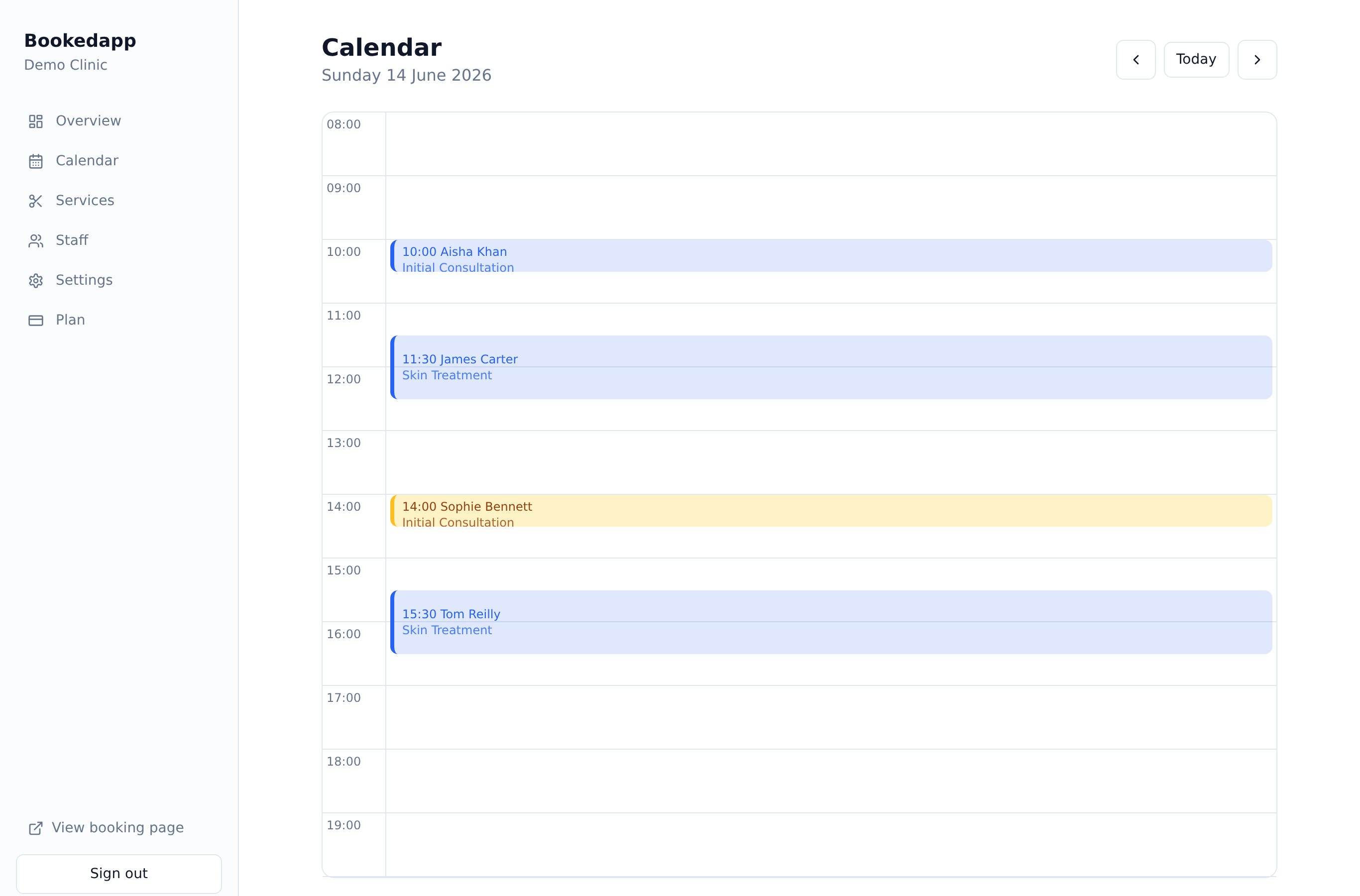
Open Calendar and click ‘Block time’.
- 2
Choose whether the block applies to the whole business or a single staff member.
- 3
Pick a whole day, a range of days (for a holiday), or a specific time window.
- 4
Add an optional reason and save — those times disappear from your online availability.
More in Calendar & appointments
Ready to get started?
Set up your booking page in minutes — start your 14-day free trial.
30-min walkthrough No commitment Google Meet
NAM
Bookedapp product teamHere to help you get set up
- Set up your booking page with your services
- Switch on AI no-show prediction & reminders
- Answer your questions — no pressure