
Communications
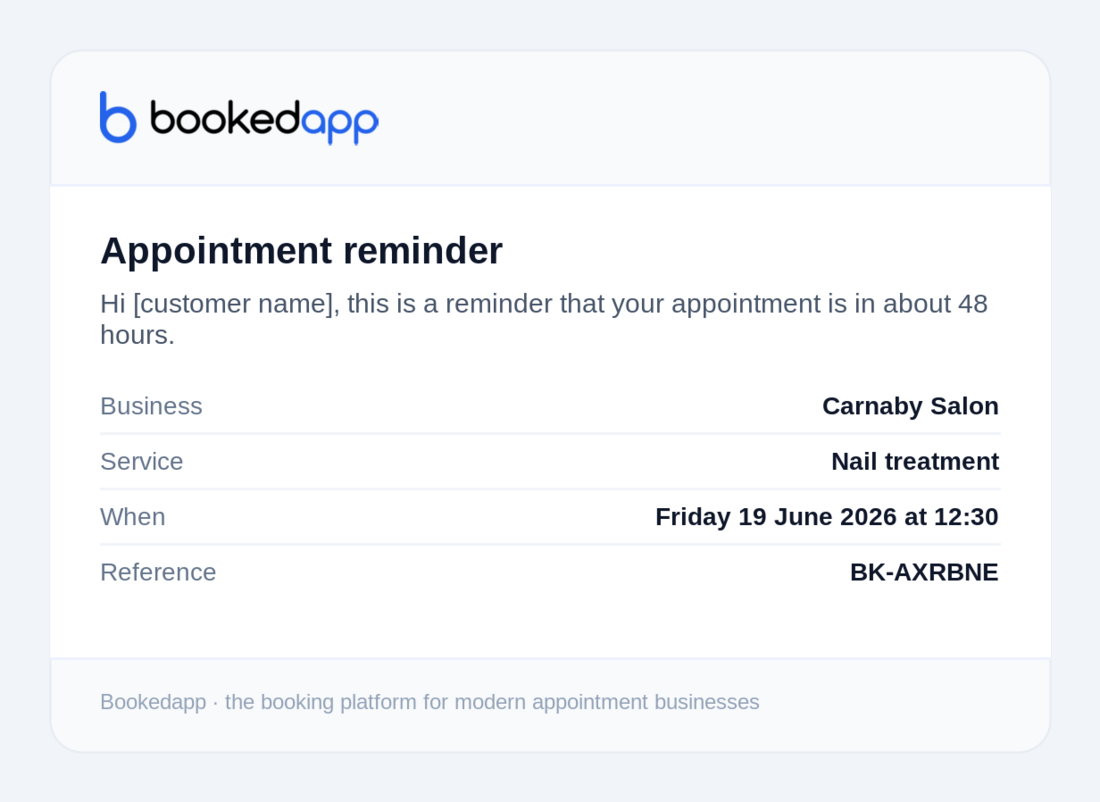
Personalise your confirmation & reminder emails
Add your own wording to the emails your customers receive.
- 1
Go to Communications → Email.
- 2
Write your confirmation message and an optional reminder message.
- 3
Use placeholders like {customer}, {business}, {service} and {time} — they're filled in automatically.
- 4
Save. Your message appears in the emails customers receive (on Professional and Growth, with your logo too).
More in Communications
Ready to get started?
Set up your booking page in minutes — start your 14-day free trial.
30-min walkthrough No commitment Google Meet
NAM
Bookedapp product teamHere to help you get set up
- Set up your booking page with your services
- Switch on AI no-show prediction & reminders
- Answer your questions — no pressure