
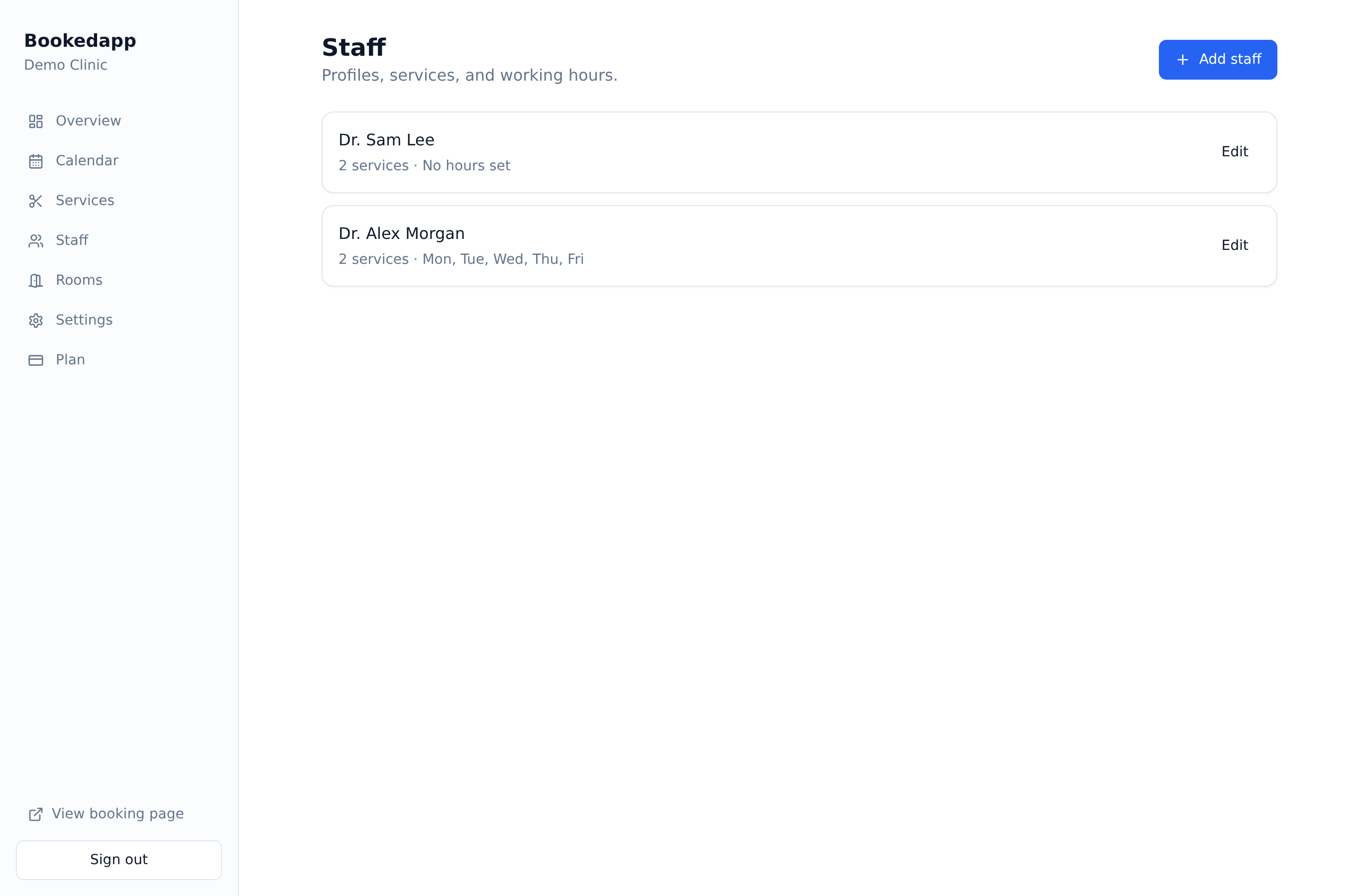
Individual schedules
Each staff member has their own weekly working hours and days off.
Add your team, assign what they offer and set their hours — availability does the rest.
Profiles, services and individual working hours.
Each staff member has their own weekly working hours and days off.
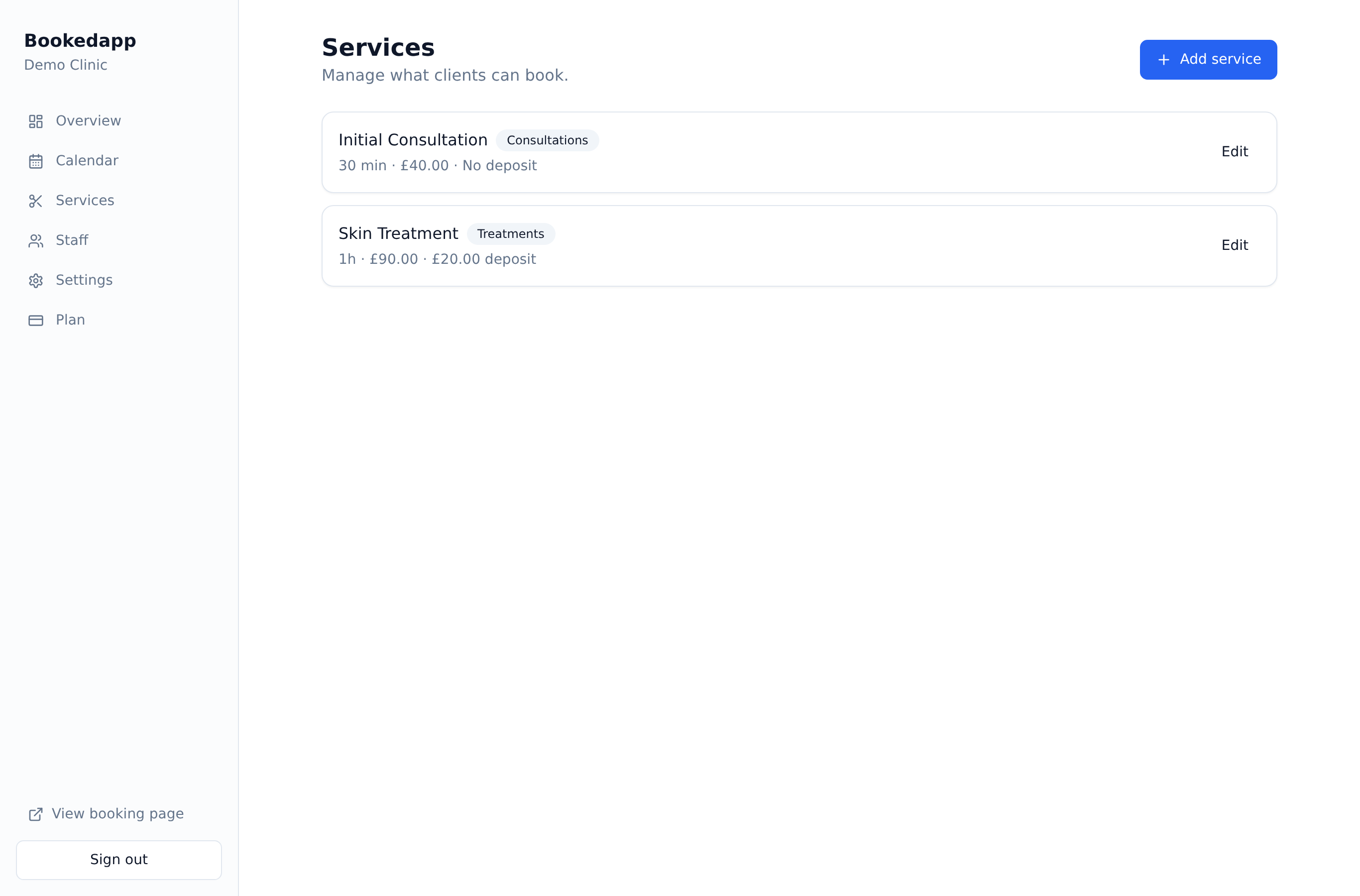
Only show clients the staff who actually offer the service they want.
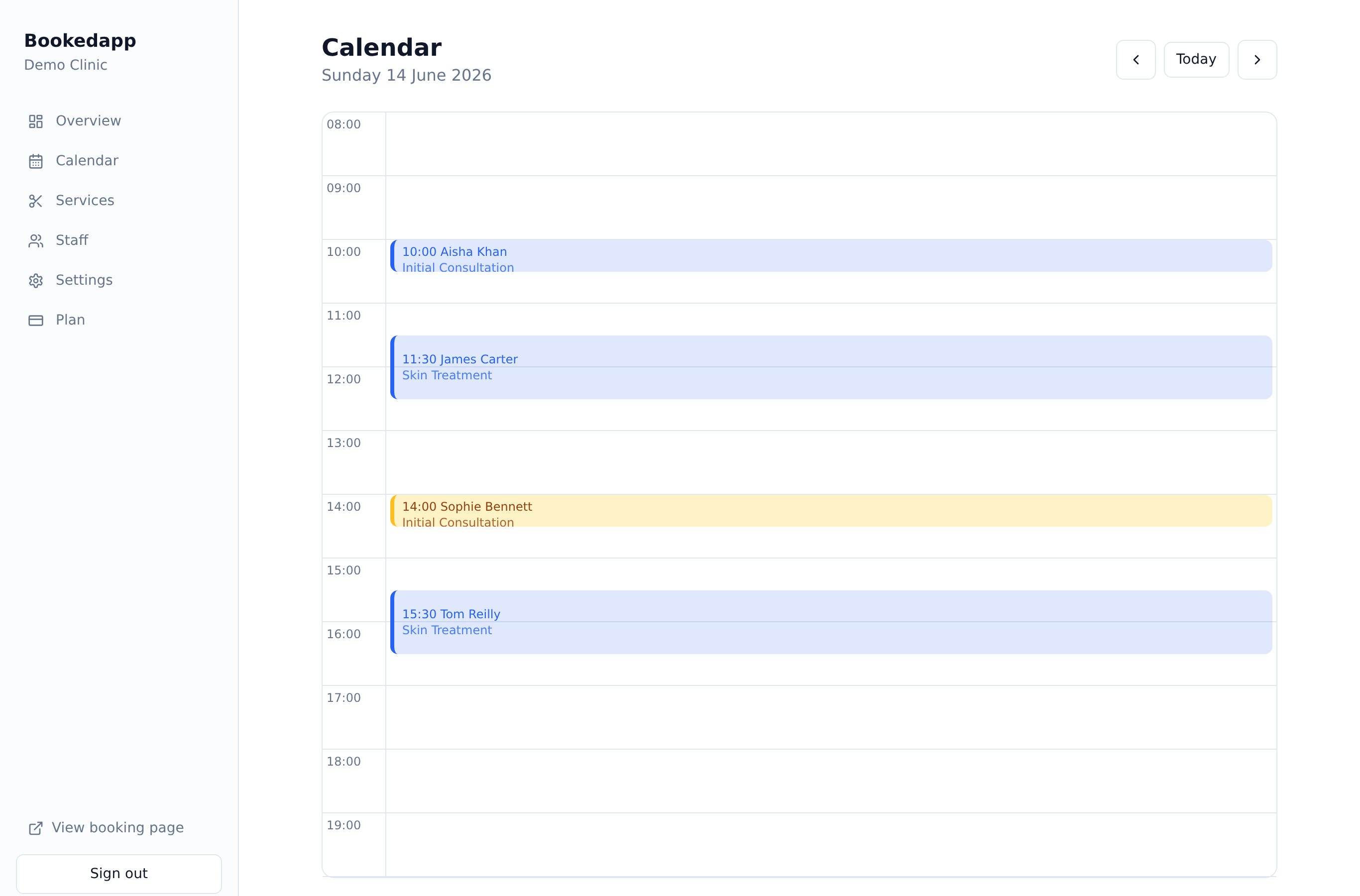
Let clients pick a person, or grab the next free slot with anyone.

Add your team, set each person's working hours and choose which services they offer. Clients can then pick their favourite staff member or simply grab the next available slot with anyone — so your diary stays balanced and full.
Excellent
Rated 5.0 out of 5
Trusted by customers all over the world
Really useful booking system for our pharmacy/clinic. Our appointments are easily managed and the Ai feature has helped reduce cancellations and missed appointments. Highly recommend to any healthcare companies out there!
The app is great. We use it for our clinic and it's so easy to integrate into our site. Highly recommend it for any small businesses out there!
Yes. Every team member has their own weekly schedule and days off, and availability is worked out from those hours.
Yes. Clients can book with a particular person, or pick 'any available' to take the first free slot with anyone who offers the service.
Free includes one staff member, Professional up to three, and Growth unlimited staff.
Yes. You assign services to each staff member, so clients only see the right people for what they've booked.
Get a quick, tailored walkthrough — we'll set you up, switch on the right features and answer your questions. No commitment.