
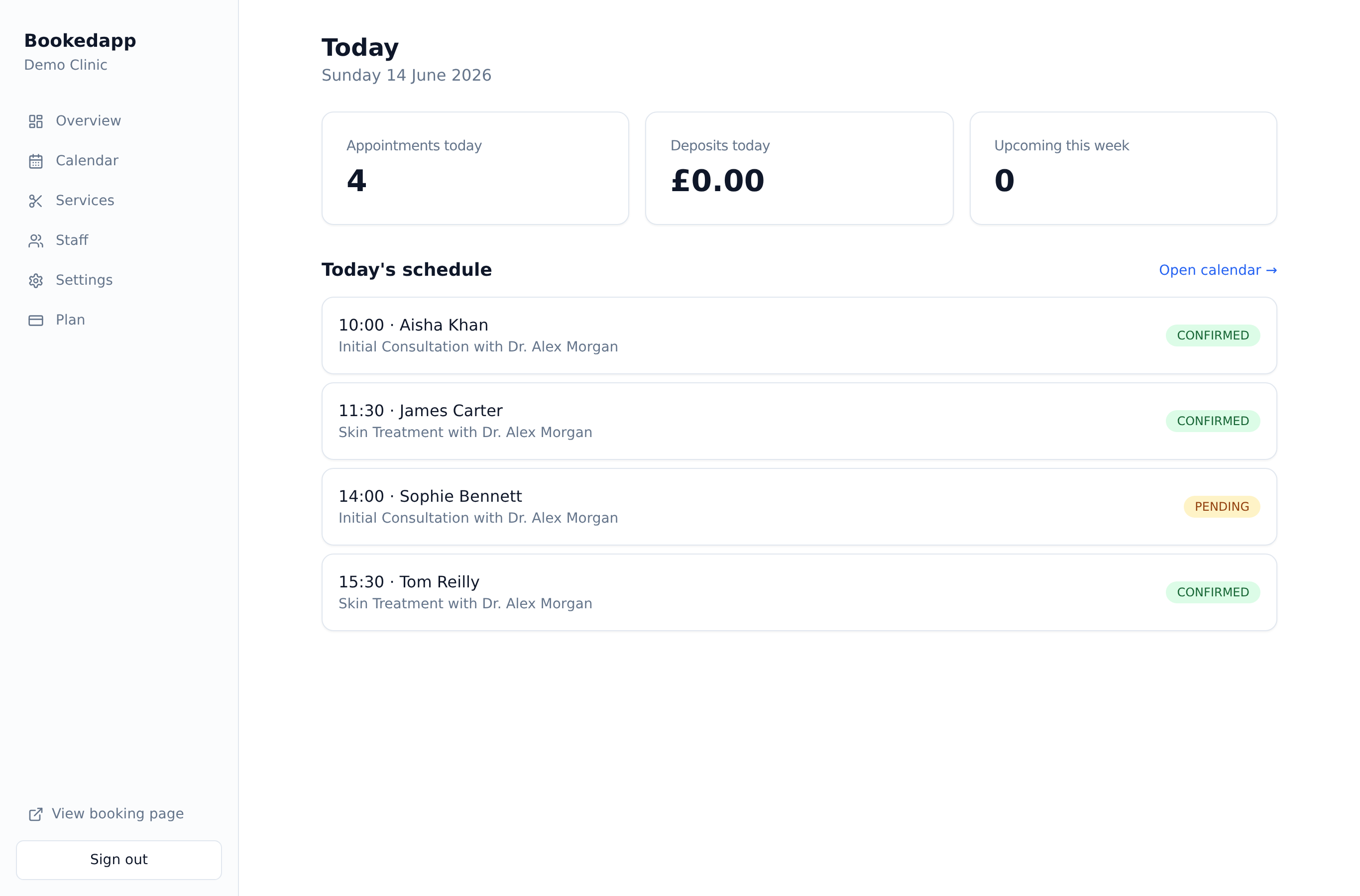
Today at a glance
Appointments, deposits taken and the week ahead in three quick stats.
Start every day with a clear view of what's booked, what's owed and what's coming up.
Today's schedule and key numbers at a glance.
Appointments, deposits taken and the week ahead in three quick stats.
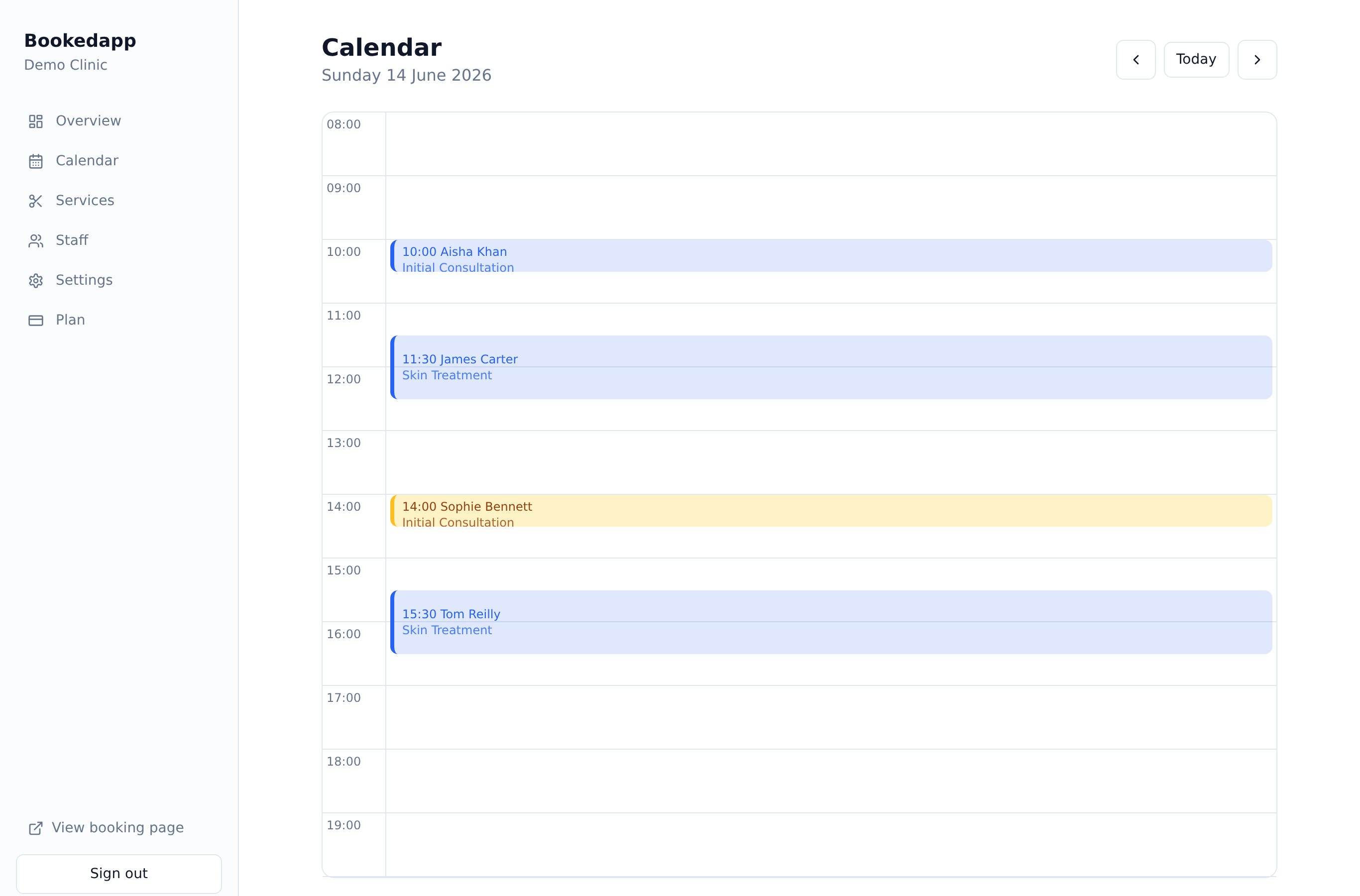
See the day's bookings with status at a glance — confirmed, pending, no-show.
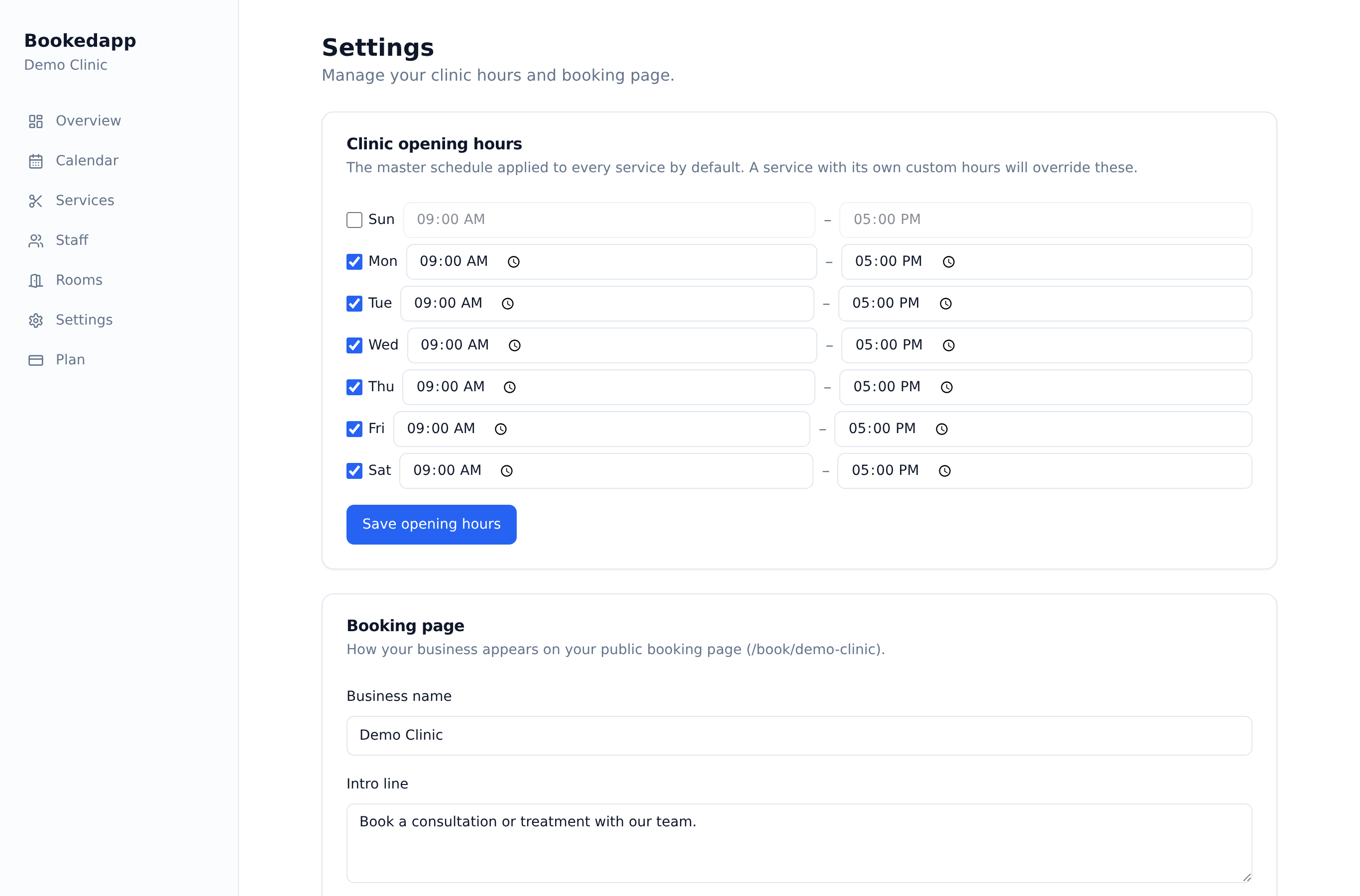
Everything your front desk needs without digging through menus.

Start every shift with a clear picture of what's booked, what's owed and what's coming up. The dashboard brings your calendar, customers, services, staff and settings together, so your team spends less time hunting around and more time looking after clients.
Excellent
Rated 5.0 out of 5
Trusted by customers all over the world
Really useful booking system for our pharmacy/clinic. Our appointments are easily managed and the Ai feature has helped reduce cancellations and missed appointments. Highly recommend to any healthcare companies out there!
The app is great. We use it for our clinic and it's so easy to integrate into our site. Highly recommend it for any small businesses out there!
Today's appointments, the deposits you've taken, what's coming up this week, and quick access to your calendar, customers, services and staff — all on one screen.
Yes. You can add team members so your front desk and staff can manage the day together.
No. The dashboard runs in any web browser on your computer, tablet or phone — there's nothing to download.
Get a quick, tailored walkthrough — we'll set you up, switch on the right features and answer your questions. No commitment.