
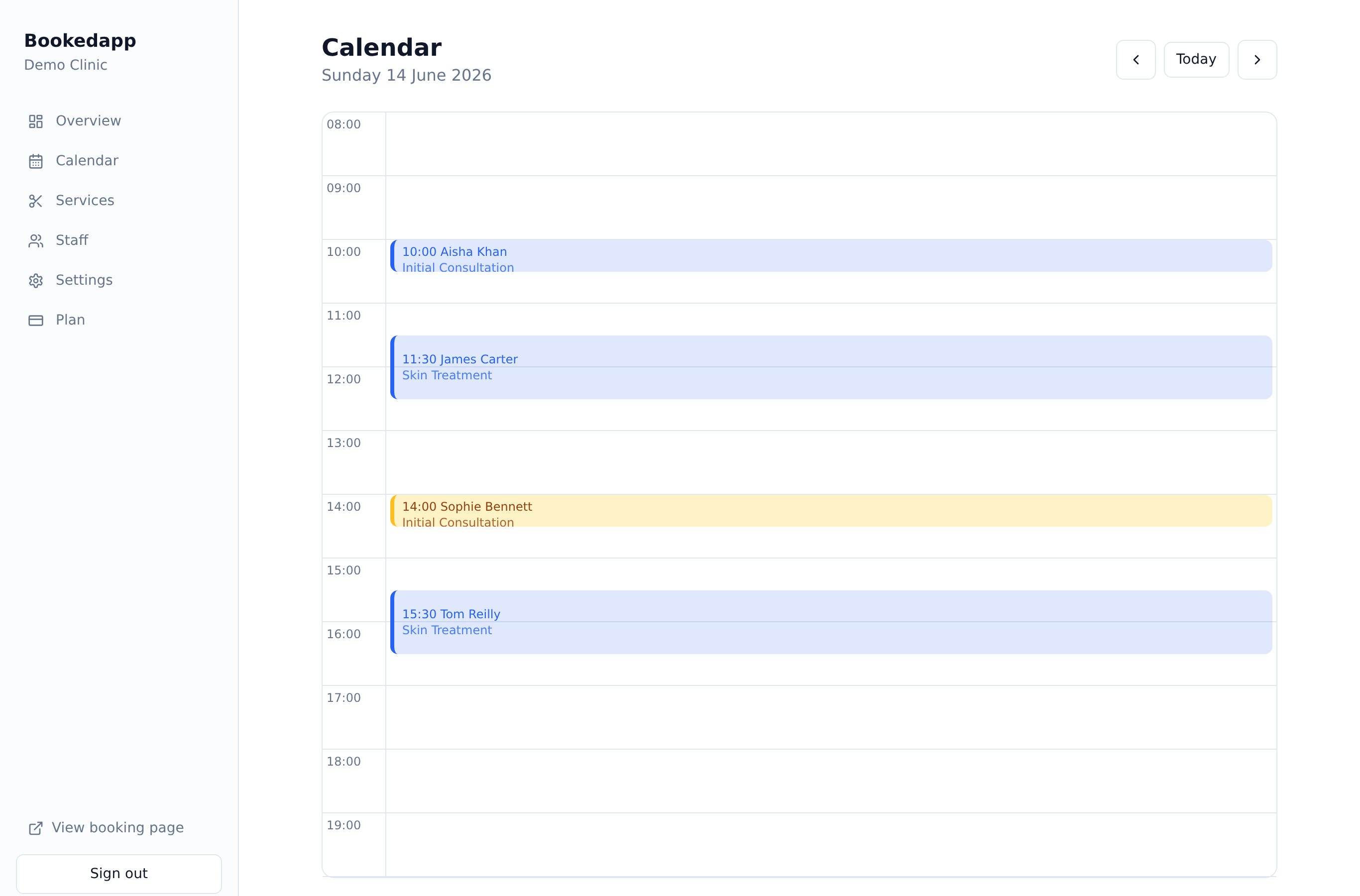
Day view
Appointments laid out on a time grid from open to close, colour-coded by status.
Manage your day with a colour-coded calendar built for busy front desks.
A clean day-view calendar with full appointment control.
Appointments laid out on a time grid from open to close, colour-coded by status.
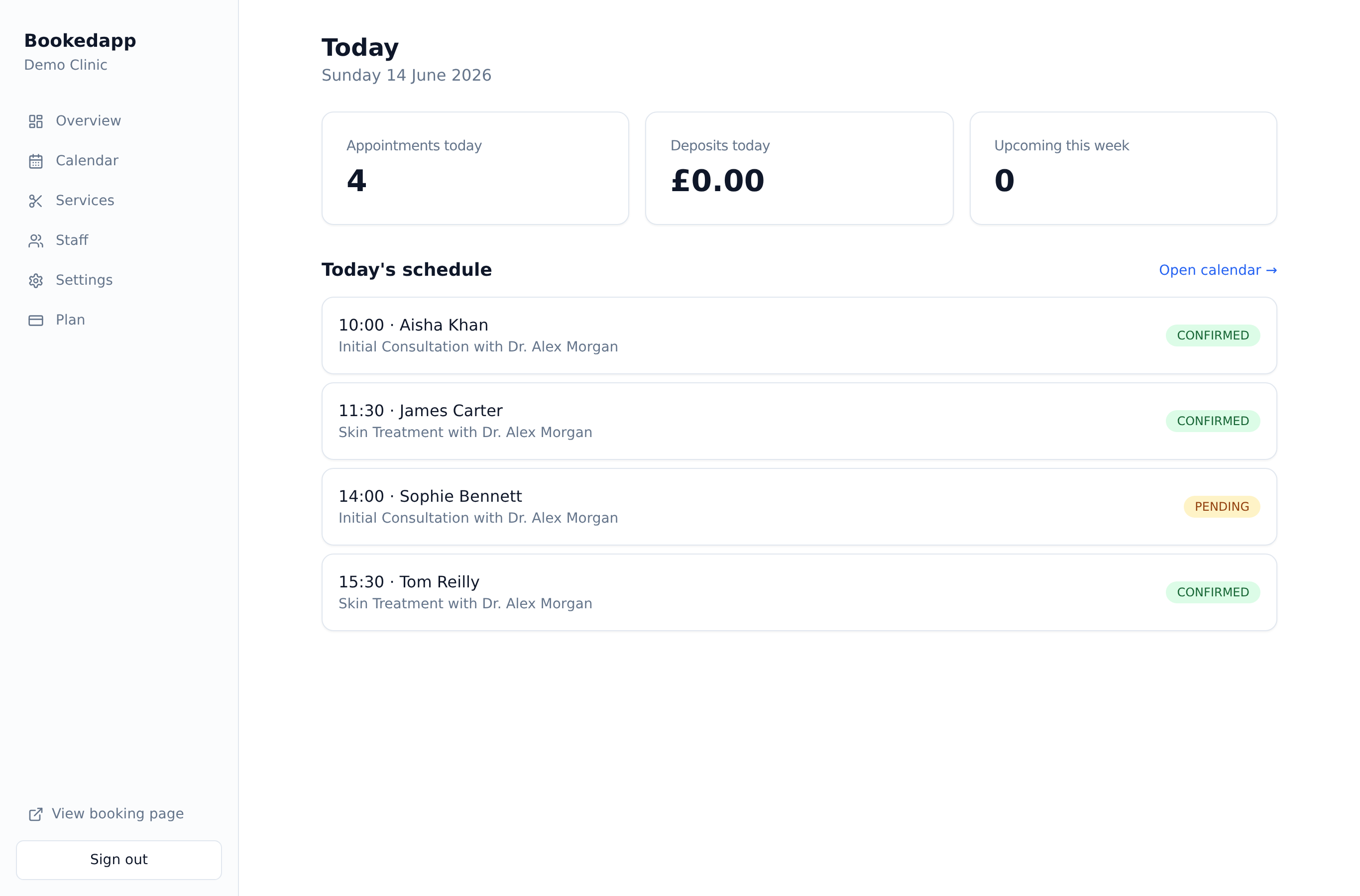
Open any appointment to add notes, reschedule, mark a no-show or cancel.
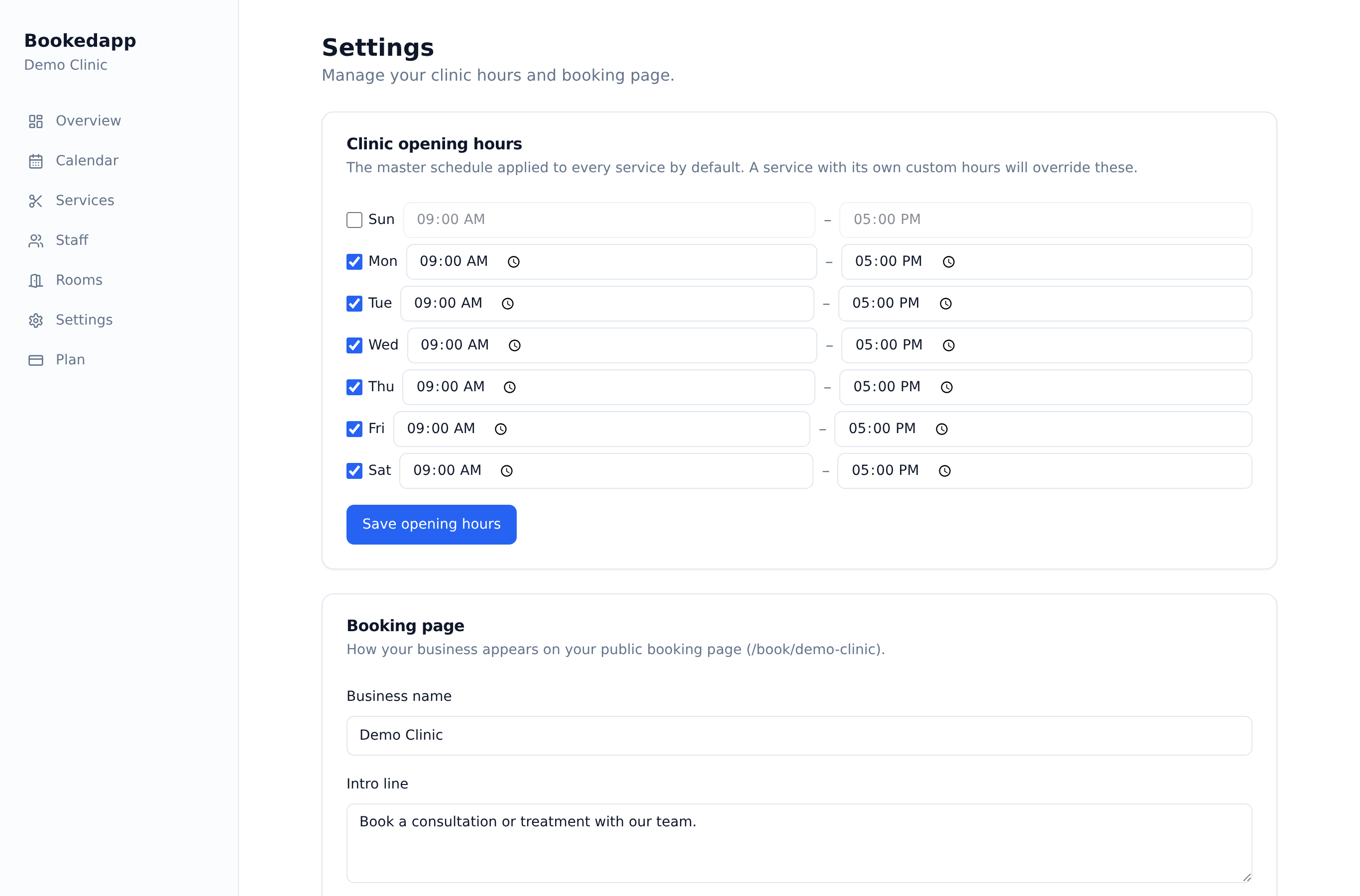
Cancelling offers a one-click deposit refund through Stripe.

A clean, colour-coded day view shows every appointment with its status at a glance. Add walk-ins, reschedule with a tap, block out holidays and days off, and handle cancellations and refunds — all without leaving the calendar.
Excellent
Rated 5.0 out of 5
Trusted by customers all over the world
Really useful booking system for our pharmacy/clinic. Our appointments are easily managed and the Ai feature has helped reduce cancellations and missed appointments. Highly recommend to any healthcare companies out there!
The app is great. We use it for our clinic and it's so easy to integrate into our site. Highly recommend it for any small businesses out there!
Yes. You can book an appointment straight from the calendar for an existing customer or add a new one on the spot.
Yes. You can block a whole day, a range of days, or a time window — for the whole business or a single staff member — and those times won't be offered to clients.
Yes. Open any appointment to move it to a new time; the customer gets an updated confirmation automatically.
When you cancel, you can refund the deposit in one click through Stripe.
Get a quick, tailored walkthrough — we'll set you up, switch on the right features and answer your questions. No commitment.